

Visual language
Imagery
Photography, product visuals and maps.
The kinds of image
We use five kinds of image. Pick the kind by how much room you have and what you want to say.
| Kind | What it shows | Use it for |
|---|---|---|
| Phone in use | A real hand, car or pocket, with the app on the screen | Hero images, ads, social posts that set the scene |
| Phone on a surface | The phone resting on soft fabric in one warm or one cool color | Feature sections, blog posts, app store images |
| Product crop | Parts of the app without a phone, on a light background | Explaining one feature, help articles, small cards |
| Photography | Real Dutch streets and people, shot for us | New shoots, the about page, posts about who we are |
| Maps | The map as the app draws it, with the zone in blue | The app, and a background for one line of type |
The screens in these images are in Dutch, because the app is.
Phone in use
The moment around parking: the hand next to the car, the phone in the car, the phone in your pocket with the parking action on the lock screen. Real hands and real places, daylight, shot close so the screen is readable.
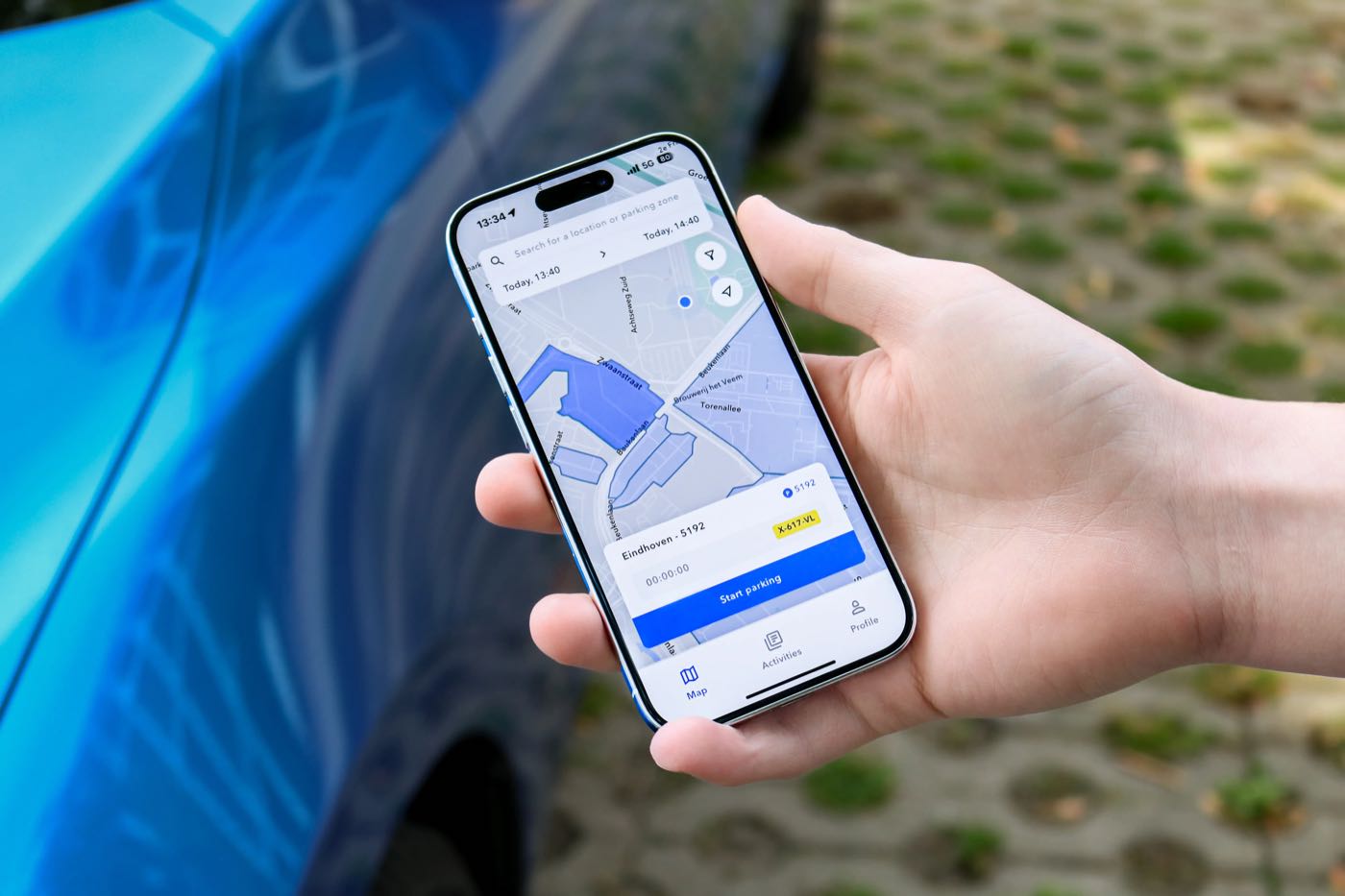
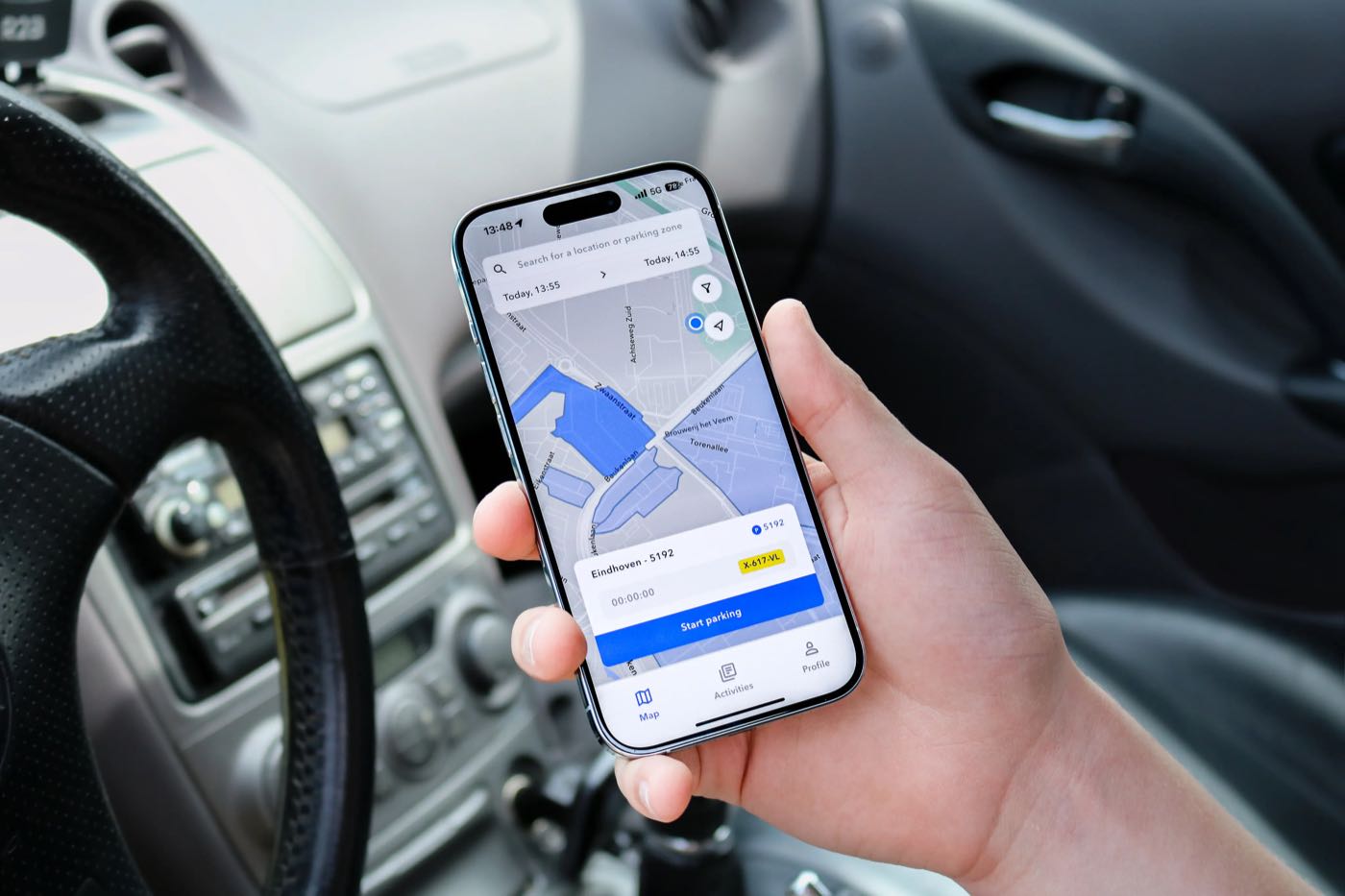
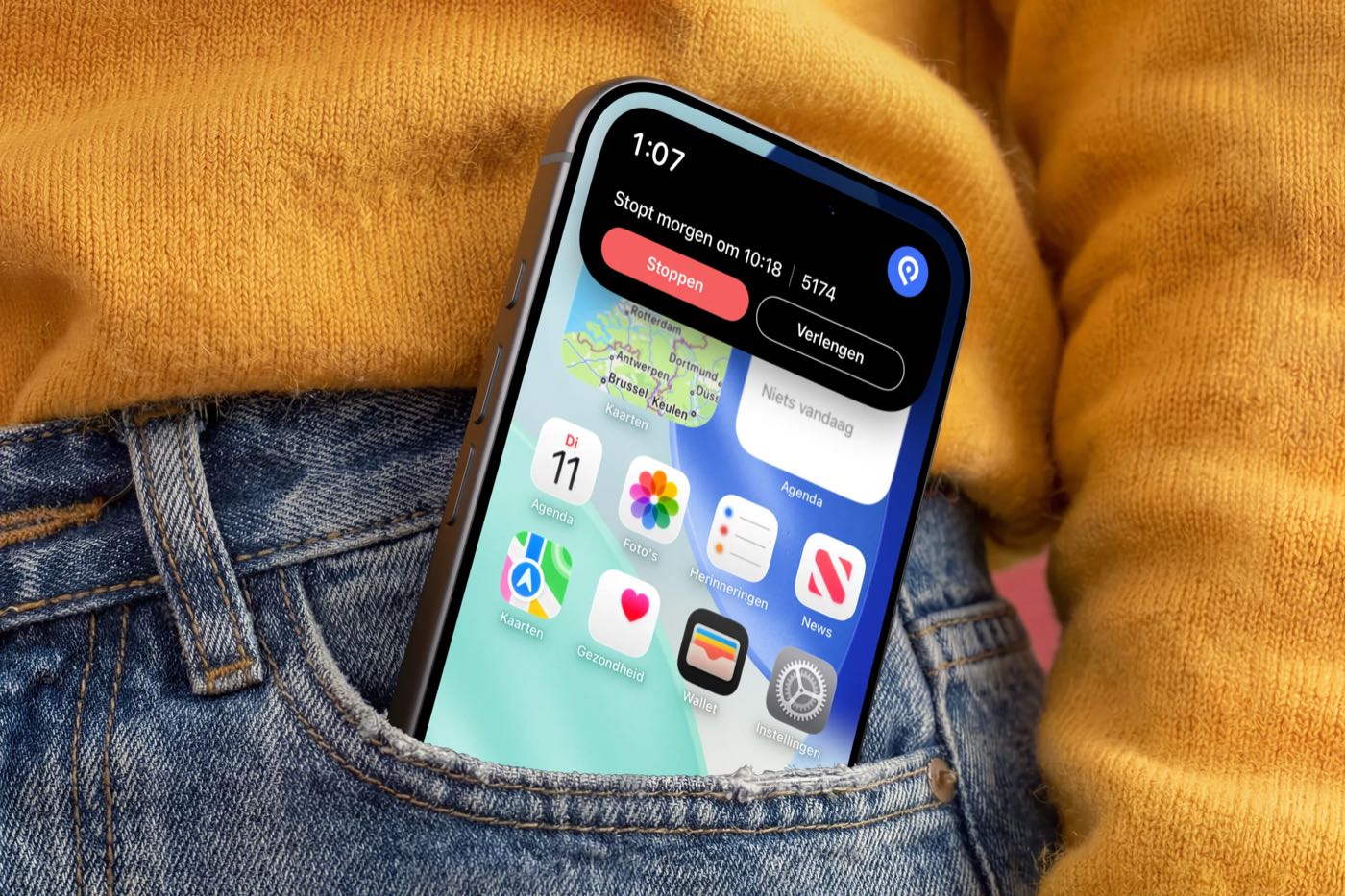
- The screen is the subject. Sharp, upright enough to read, and not covered by a thumb.
- One real detail around it: a car door, a steering wheel, a pocket, a sweater. Enough to know where you are, not more.
- Hands look natural: relaxed, no manicure close-ups, no pointing at the screen.
Phone on a surface
The phone resting on a sofa or an armchair, in soft light with a long shadow. The fabric is one color: SimplePark blue for the product's calm side, warm orange for reminders and moments with people. These images carry text well, because the fabric gives calm space around the phone.
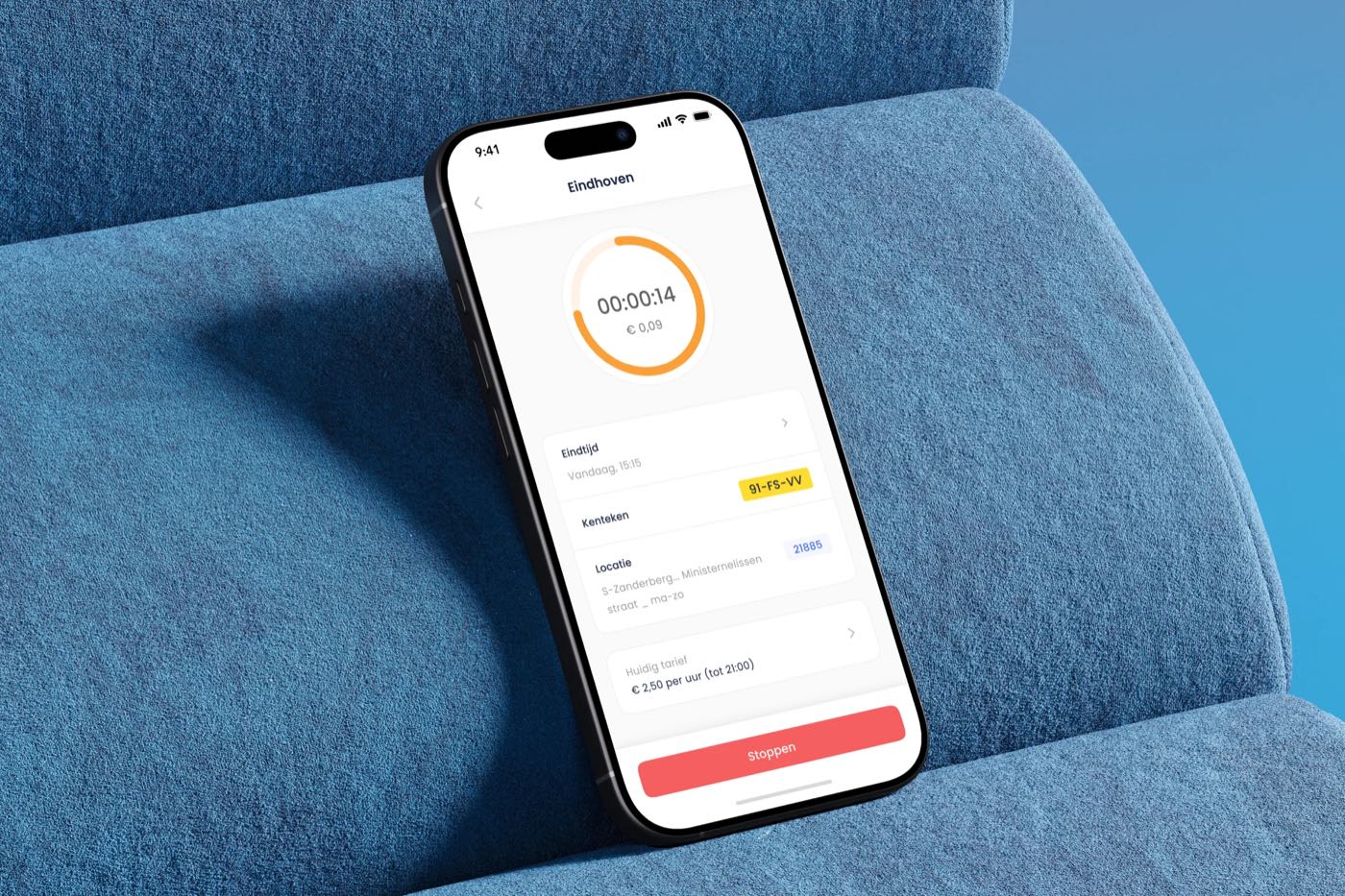
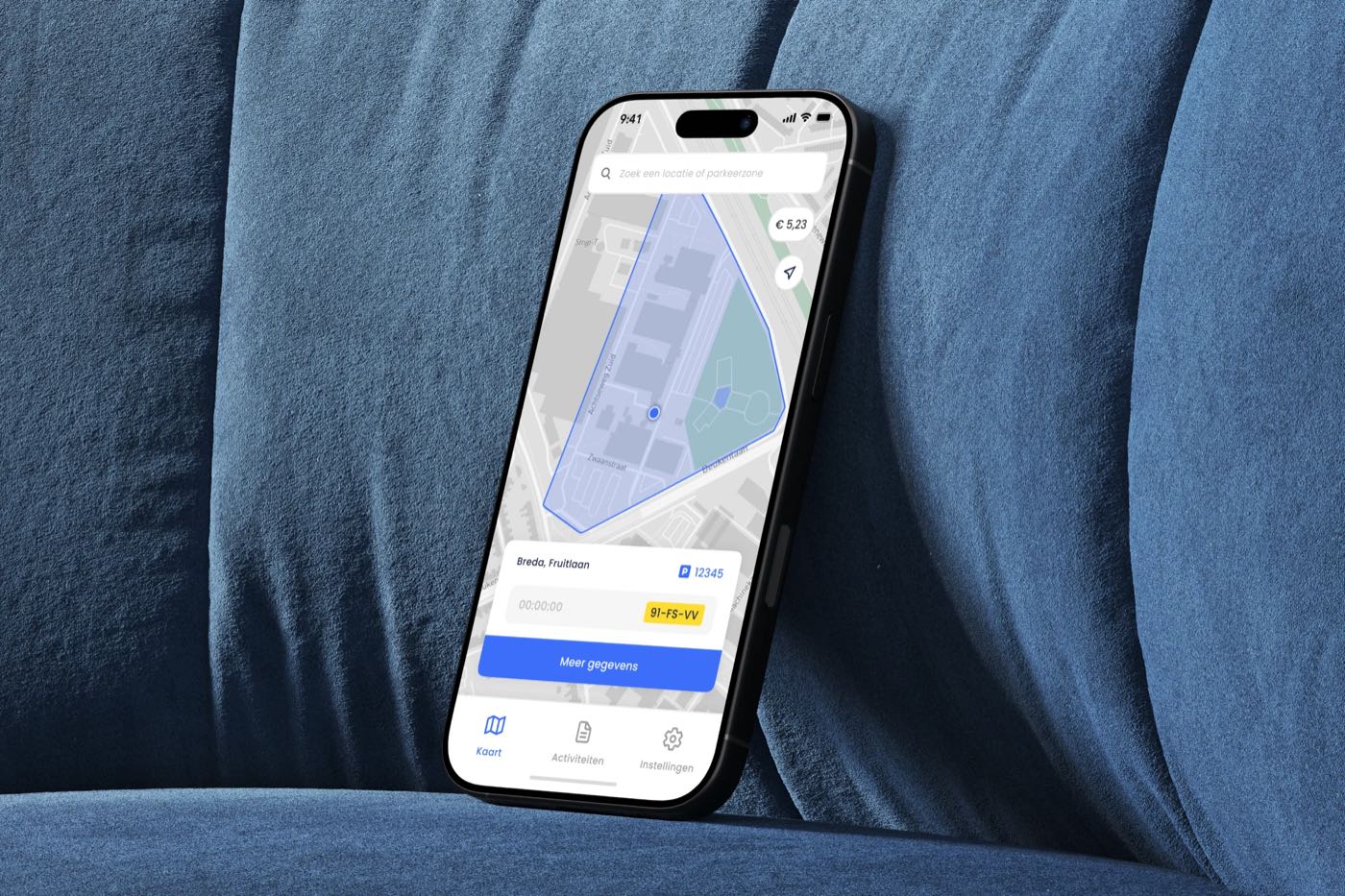
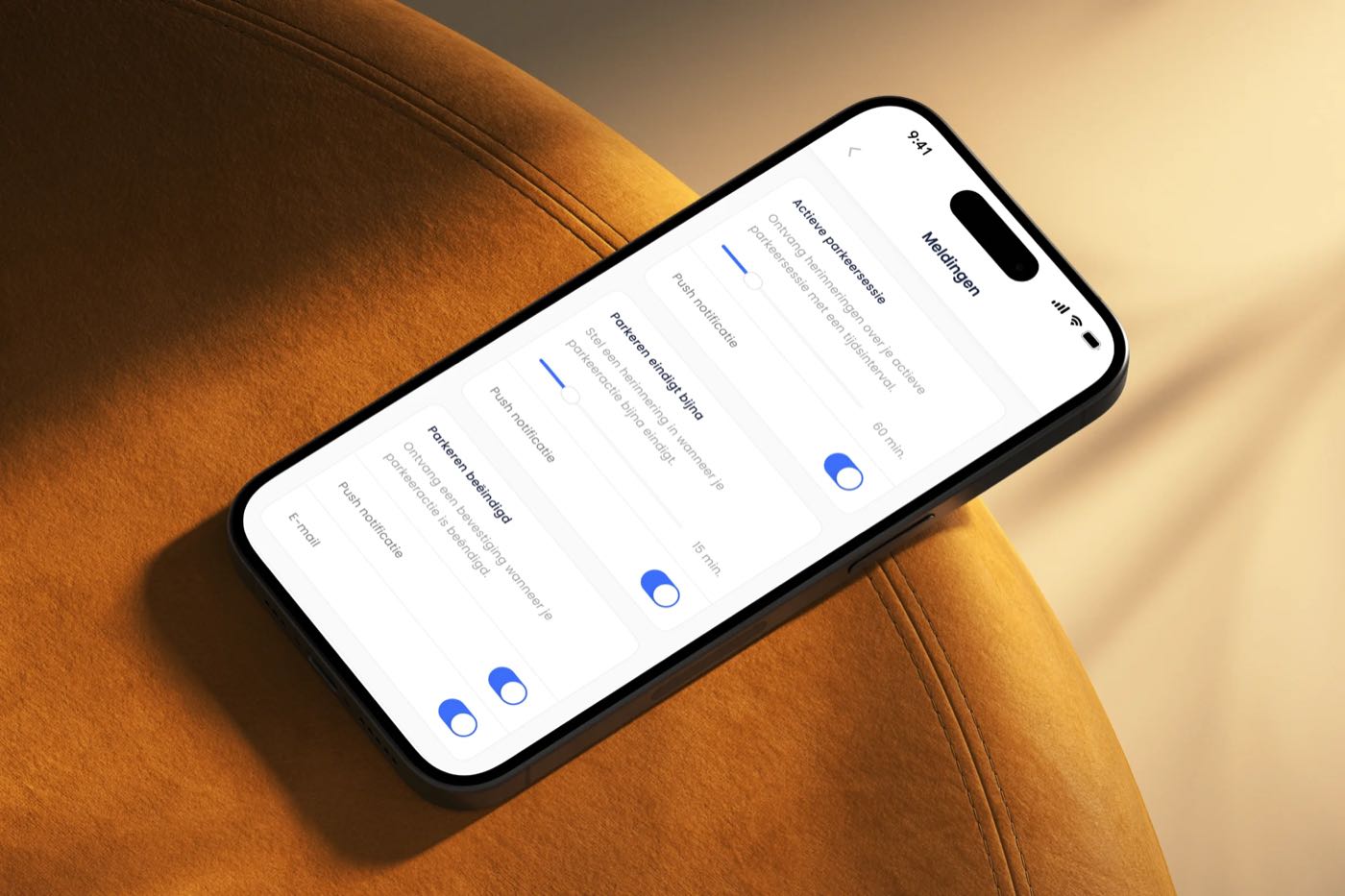
- One surface, one color, filling the frame. Blue or orange, never both, never patterned fabric.
- Soft daylight from one side, with a visible shadow. No studio white, no reflections on the screen.
- A slight tilt is fine; a phone floating in the air is not.
Product crops
Parts of the app on their own, without a phone: the start card on the map, the zone and the rates. They explain one thing at a time and stay sharp at any size. Use the components as they are in the app, with real-looking data.
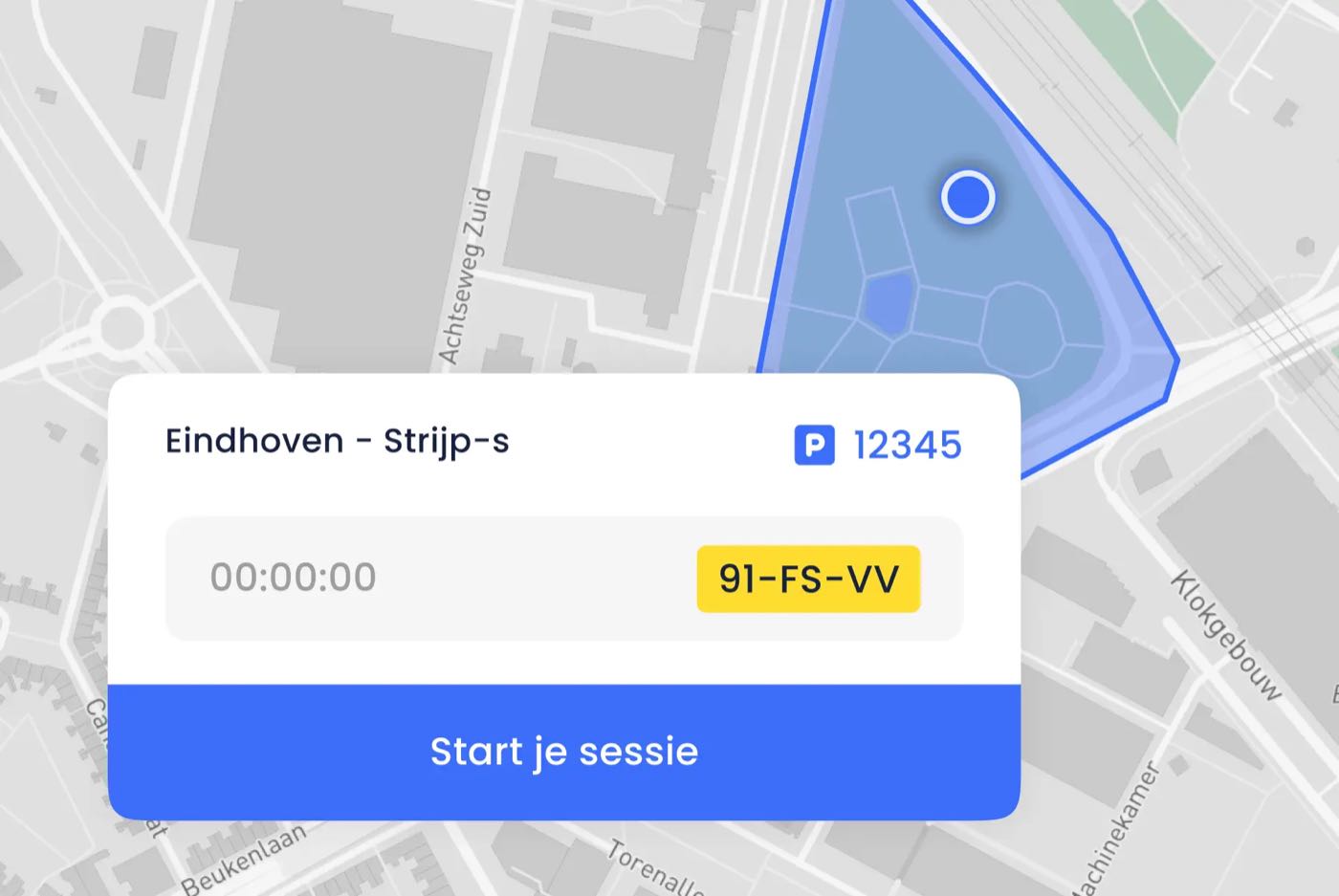
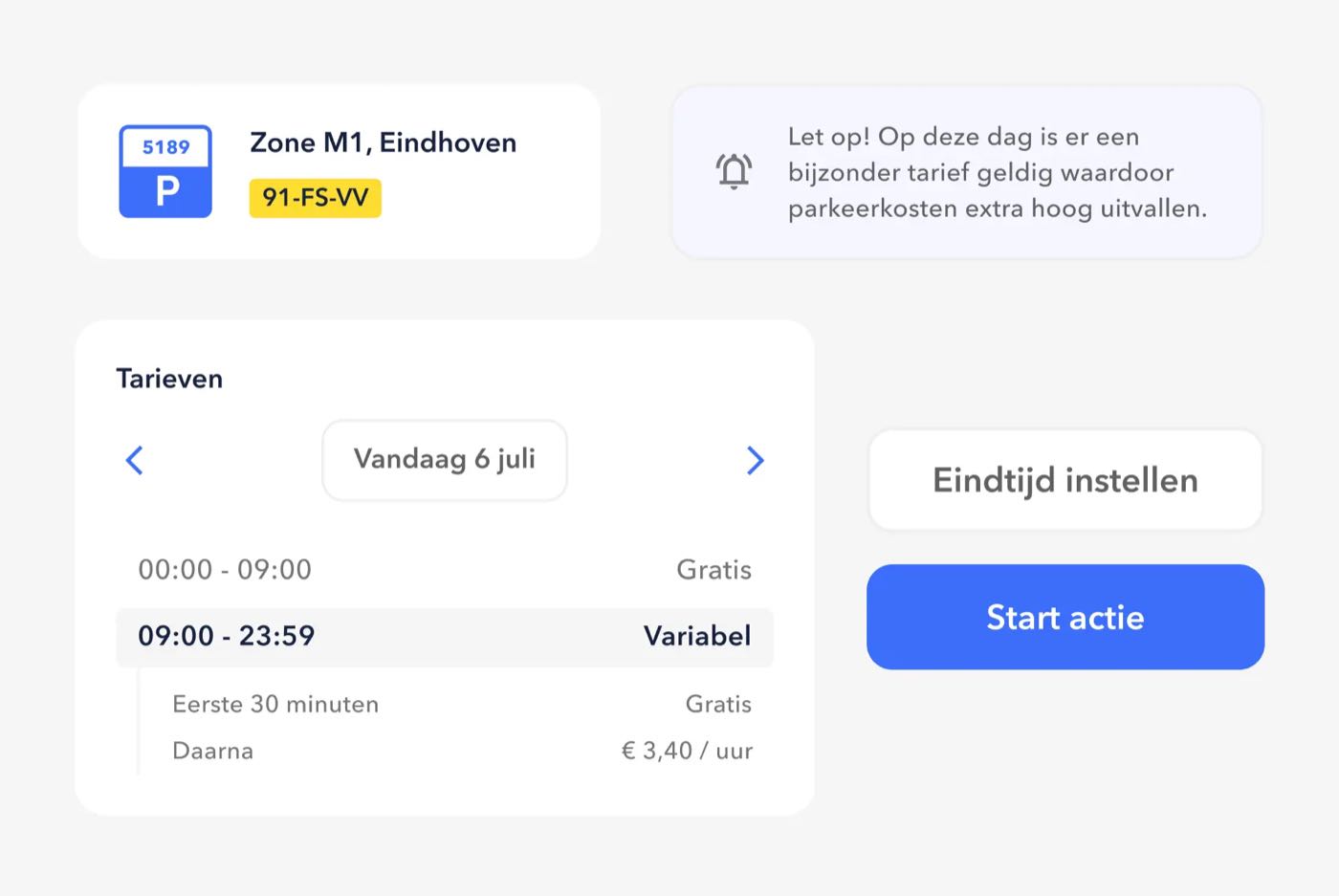
- Show the real app, with real-looking data: a Dutch license plate, a real zone code, a plausible amount. Never lorem ipsum, never
€ 0,00. - Show one moment per image: the zone and the rate before you start, the running parking action, the invoice. One message, one image.
- Use the components on their own as visual elements: the yellow license plate, the zone sign, the parking card. They are as recognizable as the logo.
- Backgrounds are white or the light surface gray, so the components float.
Photography
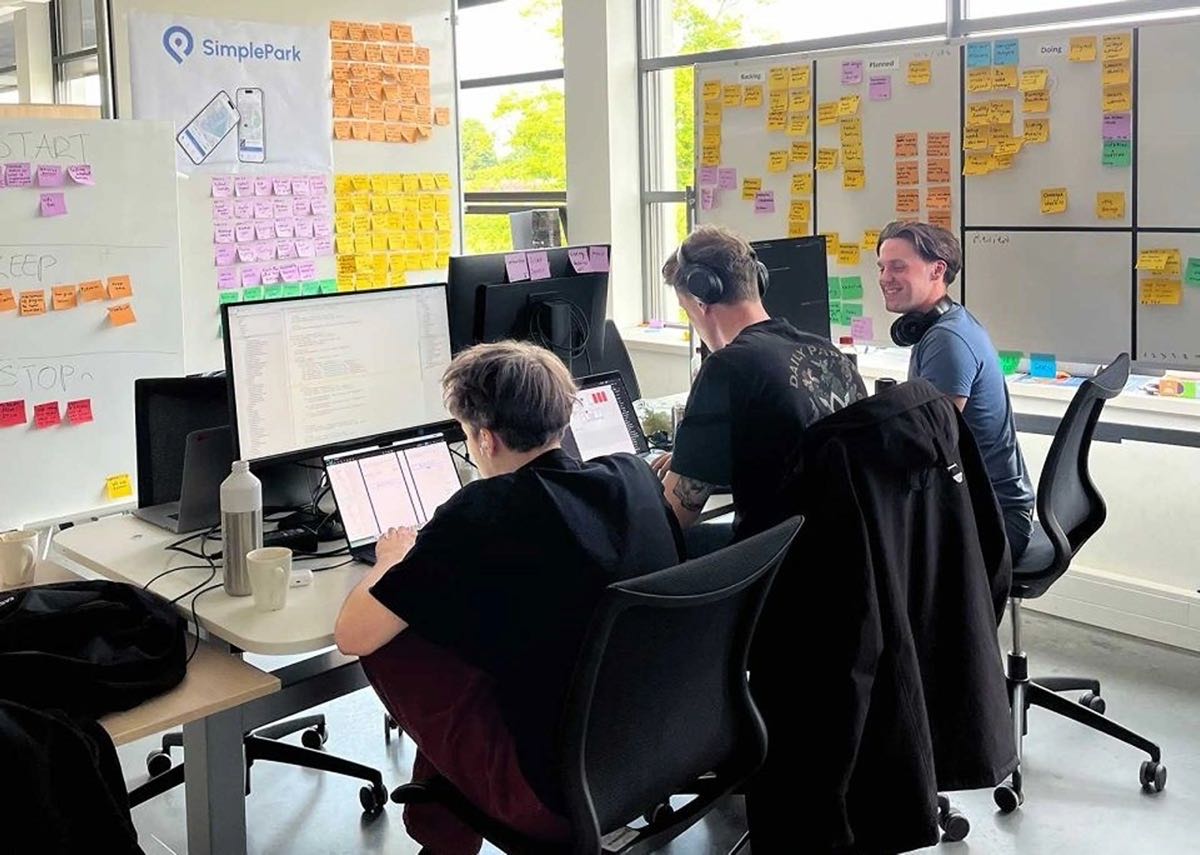
When we shoot new photos, they show the moment parking is done: the car is standing still, and someone is already walking on. Real Dutch streets, real people, ordinary days.
- Real places. Recognizable Dutch streets: brick, bikes, canals, parking signs, residential streets. Not a generic city that could be anywhere.
- Daylight. Natural light, true colors, a little sun where we can get it.
- Caught, not posed. People in motion: getting out of the car, walking to an appointment, a quick look at their phone. Nobody looks into the camera.
- Everyday people. The tradesperson with a van, the parent on a school run, the consultant between two meetings. Different ages and backgrounds, dressed for a normal day.
- Space for type. Leave calm areas, sky or road, where a headline or the white logo can sit.
The same goes for the team: real people at work, never posed in a row.
Maps
Maps are where parking happens, and they appear in the app and in our marketing.
- Keep the base map light and quiet: pale gray streets, white blocks, few labels.
- Zones are SimplePark blue, filled with transparency and with a thin outline. The location of the person parking and the selected zone are the only strong accents.
- Show real places, cropped so that the street and zone are readable.
- No 3D buildings, satellite imagery or tilted perspectives in marketing.
What we avoid
 Avoid
Avoid- Stock-photo smiles, people cheering at a phone, hands holding a phone against a white background.
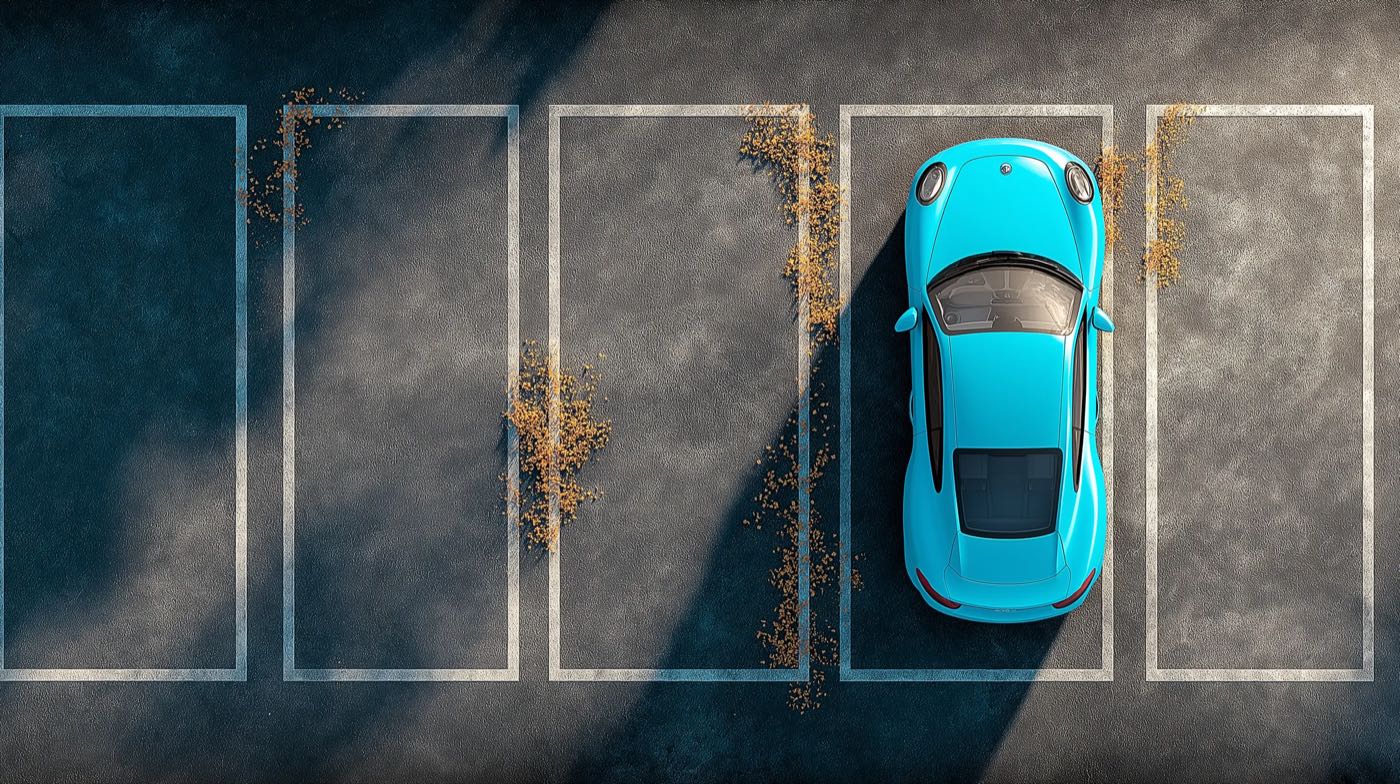
- Luxury cars, empty car parks, traffic jams and parking fines. We don't show frustration to sell the solution.
- Night shots with neon and heavy filters. Daylight and true colors.
- Rendered or AI-generated scenes that pass as real. If it's not a real place, it doesn't look like one.